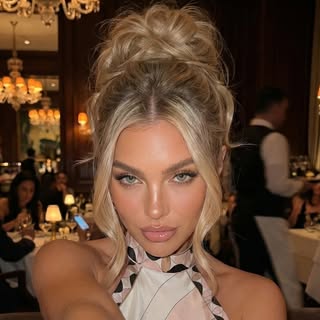
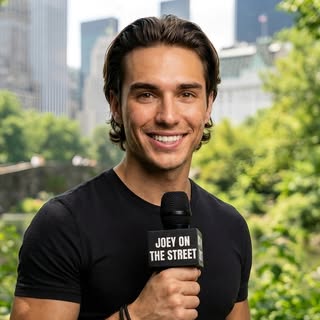
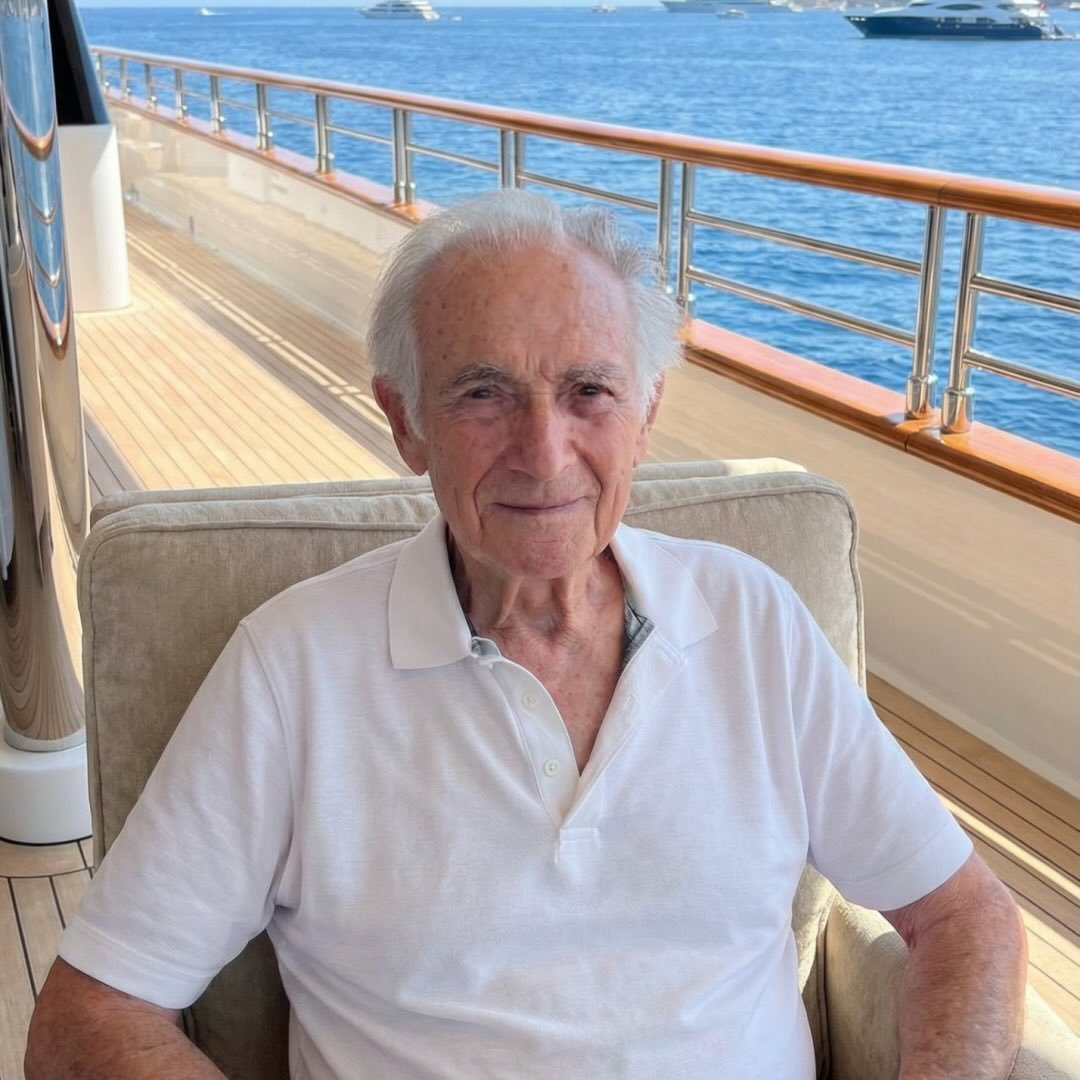
Kling makes your AI videos move. Here is how to make them speak with one consistent ElevenLabs voice.
Kling AI renders silent motion. This guide shows how creators add one consistent ElevenLabs voice to Kling videos, and how AvatarFactory does it automatically.

To add a voice to Kling AI videos, creators pair Kling's image to video motion with an ElevenLabs voice: render the clip, synthesize the narration in one saved voice, then lip sync and stitch. AvatarFactory automates the whole pair, routing each shot to the right engine and keeping one voice identity across the entire reel.
Every AI influencer video is really two products glued together: the picture and the voice. Kling AI is currently one of the best engines for the picture, and ElevenLabs is the default answer for the voice. This guide explains what each one actually does, why serious creators run them together, and how AvatarFactory runs the whole combination for you automatically.
What Kling AI does
Kling is a video generation model built by Kuaishou, the company behind one of the largest short video feeds on earth. You give it a starting image and a motion prompt, and it renders a short clip where the scene moves like real footage: hands pour a drink, the camera pushes in, fabric and liquid behave like physics instead of animation.
Three things make Kling matter for creator content:
- Image to video. You control the exact starting frame. That is what keeps an AI influencer looking like the same person in every clip, because every shot starts from a scene image of your avatar.
- Real motion. Talking head tools move a mouth. Kling moves a body: gestures, props, walking, pouring, pointing. That is the difference between a slideshow and a reel.
- Native speech. Newer Kling versions can render a talking performance with sound, which means the lips, the head, and the delivery move together in one take.
What Kling does not do: keep a voice identity. Ask it for ten clips and you get ten slightly different voices. For a one off clip that is fine. For an AI influencer who posts daily, it kills the character.
What ElevenLabs does
ElevenLabs is a voice synthesis platform. You design or clone a voice once, and it reads any script in that exact voice, in dozens of languages, with delivery controls for pauses, emphasis, whispers, and laughs.
Why it matters:
- One voice, forever. The same voice on video one and video five hundred. Audiences bond with a voice faster than with a face.
- Delivery control. Tags in the script shape the read, so a hook can hit with a pause exactly where you want the scroll to stop.
- Speech to speech. ElevenLabs can also convert someone else’s spoken audio into your voice, keeping the timing and emotion of the original performance.
What ElevenLabs does not do: pictures. It has no idea what your avatar looks like or how the scene should move.
Why creators combine them
Put the two side by side and the split is obvious:
| Job | Kling AI | ElevenLabs |
|---|---|---|
| Realistic body movement | Yes | No |
| Camera motion and physics | Yes | No |
| Consistent voice identity | No | Yes |
| Delivery control (pauses, emphasis) | Limited | Yes |
| Same character across videos | With your scene images | With your saved voice |
A believable AI influencer needs the whole table. That is why the standard advanced pipeline in 2026 is: scene image of your avatar, Kling for the motion, ElevenLabs for the voice, then lip sync and editing to glue it together.
Done by hand, that glue is the expensive part. A single 30 second reel means generating a scene image, writing a motion prompt, rendering the Kling clip, synthesizing the narration, syncing mouth to audio, and stitching shots in an editor. Creators who run this manually report an hour or more per video across four different subscriptions. As an estimate, a Kling plan plus an ElevenLabs plan plus an image tool plus a lip sync tool lands between 60 and 120 dollars a month before you have posted anything.
How AvatarFactory runs the combination automatically
AvatarFactory is an all in one AI influencer platform, and this exact Kling plus ElevenLabs handoff is wired into its render pipeline. Here is what happens when you hit Generate:
- Every shot gets the right engine. The storyboard splits your script into shots. Static talking shots render on a talking head engine. Shots with real movement, props, or camera motion render on Kling, starting from a scene image of your avatar so the character never drifts.
- One voice performance across the whole video. The full script is synthesized as a single ElevenLabs take, then split per shot. Your avatar sounds like one person telling one story, not five clips taped together.
- Kling shots keep your voice. When Kling renders a native talking performance, AvatarFactory converts that audio into your avatar’s ElevenLabs voice with speech to speech. Real lips, real timing, your voice.
- Delivery tags travel with the script. Pauses and emphasis you write into the script direct the ElevenLabs read, and on Kling shots they are translated into performance instructions so the video matches the audio.
- The reel assembles itself. Shots are stitched, normalized, and optionally captioned. You download one finished video.
The practical difference is volume. The manual stack produces a video when you have an afternoon. The automated stack produces a video when you have a script. Creators running AvatarFactory ship multiple reels a day from one browser tab, each with Kling grade motion and a voice their audience already recognizes.
The bottom line
Kling AI is the best way to make an AI character move like a person. ElevenLabs is the best way to make one sound like the same person every day. Separately they are two impressive demos. Together they are a content machine, and the only real question is whether you assemble that machine by hand every morning or let one platform run it for you.
Frequently Asked Questions
How do I add a voice to a Kling AI video? +
Can I use Kling AI and ElevenLabs together without coding? +
Why not just use one tool for the whole video? +
How does AvatarFactory keep the avatar's voice consistent on Kling shots? +
What does the manual Kling plus ElevenLabs stack cost? +
Ship your first faceless video today.
Build your channel host avatar, paste a script, and publish a reel in minutes. No camera, no edit suite, no studio.
$1 three-day trial · First reel in minutes · Cancel anytime